


How to install n8n on your Ubuntu VPS
Open SSH, install Docker, paste the compose file, open port 5678. n8n is not preinstalled.
 Samuel AkiresCEO RoxyCloud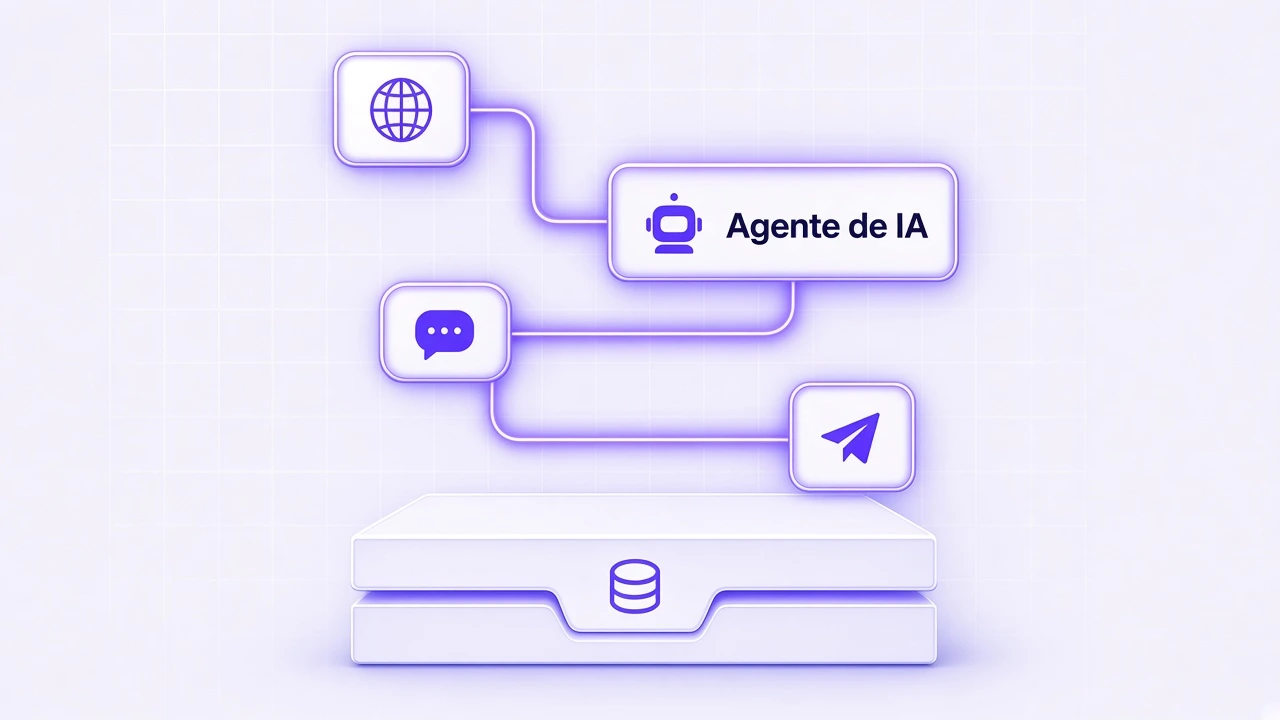
n8n is the board where you wire one service to another: sheet, WhatsApp, email, webhook. It runs on your VPS. It is not preinstalled.
What you need
- An Ubuntu VPS and the root password.
- The machine IP.
- 2 GB to test. 4 GB if you will use it every day.
1. Update and install Docker
sudo apt update && sudo apt upgrade -y
sudo apt install -y docker.io docker-compose-v2
sudo systemctl enable --now docker
2. Create the folder and the file
mkdir -p ~/n8n
cd ~/n8n
nano docker-compose.yml
Paste this. In nano save with Ctrl+O, Enter, Ctrl+X.
services:
  n8n:
    image: docker.n8n.io/n8nio/n8n
    restart: unless-stopped
    ports:
      - "5678:5678"
    environment:
      - GENERIC_TIMEZONE=America/Sao_Paulo
      - TZ=America/Sao_Paulo
      - N8N_HOST=0.0.0.0
      - N8N_PORT=5678
      - N8N_PROTOCOL=http
      - N8N_SECURE_COOKIE=false
    volumes:
      - ./n8n_data:/home/node/.n8n
3. Start it and open the browser
docker compose up -d
sudo ufw allow 5678/tcp
In the browser:
http://YOUR_IP:5678Create the owner account on the first screen. If the page does not open, port 5678 is still closed in the firewall.
Domain and HTTPS come later. When it is time, the DNS guide helps you point the name.
Frequently asked questions
Straight answers before you order
You may also like
 Guides
How to access a VPS with SSH
SSH is the program that opens your VPS on your computer. Three details, one command, and you are in.
Samuel Akires
 Hosting
Fail2ban: how to protect a VPS against brute force
Fail2ban blocks an IP that fails the SSH password too many times. Install, paste one file, turn it on. It is not Anti-DDoS.
Samuel Akires
 Guides
How to move your domain DNS to Cloudflare
The domain stays at the same registrar. You only change who answers DNS. Copy records, swap nameservers, wait.
Samuel Akires
 Hosting
VPS vs dedicated server
A VPS is an isolated share of a machine. Dedicated is the whole machine. The difference and when each one makes sense.
Samuel Akires