


Fail2ban: how to protect a VPS against brute force
Fail2ban blocks an IP that fails the SSH password too many times. Install, paste one file, turn it on. It is not Anti-DDoS.
 Samuel AkiresCEO RoxyCloud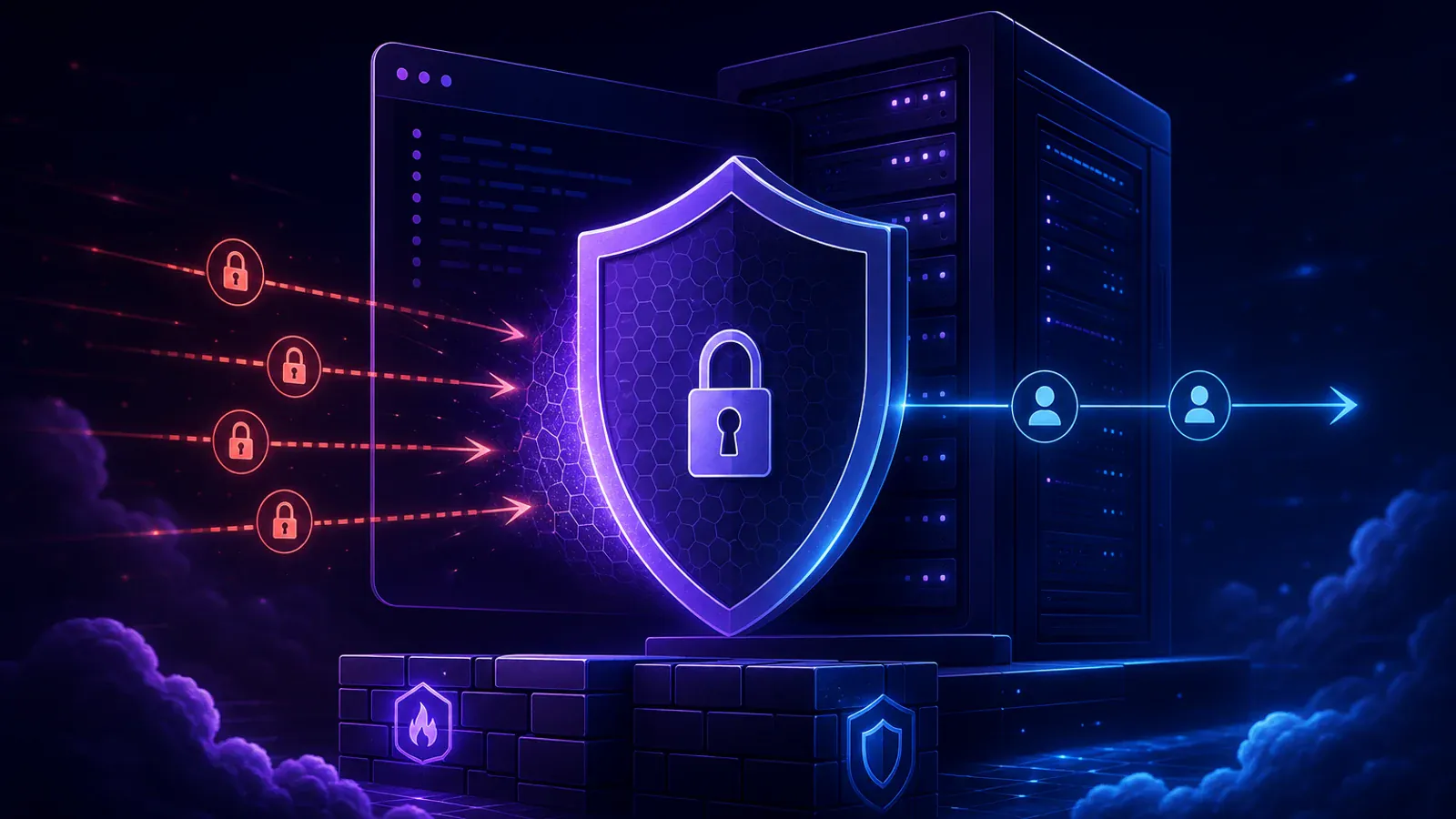
A VPS with SSH on the internet gets password guesses all day. Fail2ban counts the misses. Past the limit, that IP stays out for an hour.
This does not stop DDoS. DDoS fills the network pipe. Fail2ban watches login.
1. Install
sudo apt update
sudo apt install -y fail2ban
sudo systemctl enable --now fail2ban
2. Paste this file
Do not edit jail.conf. Create jail.local. Replace YOUR.FIXED.IP with your home IP.
[DEFAULT]
backend = systemd
banaction = ufw
maxretry = 3
bantime = 1h
ignoreip = 127.0.0.1/8 ::1 YOUR.FIXED.IP

[sshd]
enabled = true3. Restart and check
sudo systemctl restart fail2ban
sudo fail2ban-client status sshd
If you locked yourself out:
sudo fail2ban-client set sshd unbanip YOUR.IPFrequently asked questions
Straight answers before you order
You may also like
 Guides
How to access a VPS with SSH
SSH is the program that opens your VPS on your computer. Three details, one command, and you are in.
Samuel Akires
 Hosting
What is a DDoS attack?
DDoS is traffic from many IPs at once, aimed at taking a site or game server down. How it works, the common types, and what edge protection does.
Samuel Akires
 Guides
How to install n8n on your Ubuntu VPS
Open SSH, install Docker, paste the compose file, open port 5678. n8n is not preinstalled.
Samuel Akires
 Hosting
VPS vs dedicated server
A VPS is an isolated share of a machine. Dedicated is the whole machine. The difference and when each one makes sense.
Samuel Akires