


VPS vs dedicated server
A VPS is an isolated share of a machine. Dedicated is the whole machine. The difference and when each one makes sense.
 Samuel AkiresCEO RoxyCloud
VPS and dedicated server do the same job: a computer on all the time, with a public IP, where you install the OS and the software. The difference is how the resources are delivered.
On a VPS, several accounts use the same physical machine. Each account gets the CPU, RAM and disk of its plan, isolated from the others. On dedicated, the machine's processor, memory and disk are yours alone.
If this is the first server, start on a VPS. If it already runs at the limit all day, or if memory is short, look at dedicated.
What a VPS is
VPS means virtual private server. It is a virtual machine with reserved resources. You log in as root, like on your own server. It is not shared web hosting, where many accounts use the same system.
After you hire it, the VPS usually comes up on its own. You install a panel, Docker, a site or automation, as long as it fits the contracted resources.
- Activation is usually fast after purchase.
- Root access on Linux, over SSH.
- You reboot and reinstall the OS in the VPS panel.
- Fits a site, store, API, bot and a first server.
What a dedicated server is
The operating system runs on the hardware. No other account shares that processor, memory or disk.
Access is still root over SSH. Activation usually takes longer than a VPS, because the physical machine must be available and handed over.
Comparison
| VPS | Dedicated | |
|---|---|---|
| What it is | Isolated share of a physical machine | The whole physical machine |
| Activation | Usually automatic after purchase | Depends on machine availability |
| CPU and RAM | The plan resources | All resources on the machine |
| Reboot and OS | You, in the VPS panel | Depends on the provider |
| Access | Root over SSH | Root over SSH |
| Typical use | Site, API, Docker, first server | Steady load, lots of RAM, several services on one machine |
When a VPS is enough
- First server, site or automation.
- A project that still fits the contracted resources.
- You are still measuring real CPU, RAM and disk use.
- You need to go live quickly and manage the OS yourself.
Sites, stores, APIs and bots usually stay on a VPS. If CPU or RAM saturate, the next step is a larger VPS. Only after that is dedicated worth a look.
When dedicated makes sense
- VPS CPU stays at maximum all day, after you optimized what runs on it.
- VPS RAM is not enough, even at the largest size that fits the budget.
- Several heavy services need the same machine, without sharing hardware with another customer.
- The project needs steadier disk: a large database or constant writes.
Do not hire dedicated for the name. Hire it when the VPS no longer covers the load, or when physical isolation is required.
What to confirm when renting a dedicated server in Brazil
- CPU model, generation, cores and threads: compare workloads rather than maximum clock alone.
- RAM, storage type, capacity and upgrade options.
- Location, port speed, traffic allowance and IP addresses.
- Monthly price, setup fee, stock and activation time after payment.
- OS, licenses, remote access and recovery when SSH is unavailable.
- Management responsibilities, backups, support terms and SLA.
RoxyCloud's dedicated server page lets you compare machines and take a configuration to the quote. In-stock units are typically delivered within 24 to 72 business hours after payment. There is no preinstalled panel or direct KVM/IPMI; request hard reboot and reinstallation by ticket. Confirm final terms with the team.
Game server
Game hosting with a ready panel is not a VPS and not dedicated. You do not install the OS to open the world.
You can install the game on a VPS or a dedicated server. That only pays off when the panel does not cover what you need.
Network and passwords
The IP is public in both cases. Volume attacks (DDoS) are handled on the network. SSH password guesses are handled on the system, with an SSH key or Fail2ban. One does not replace the other.
Switching from VPS to dedicated does not remove DDoS. The target is still the IP.
How to choose
- No server yet: start on a VPS sized for the current project.
- VPS at the CPU or RAM limit: increase the VPS first.
- Still not enough: look at a dedicated server.
- Game world with a panel: that is game hosting, not these two products.
Frequently asked questions
Straight answers before you order
You may also like
 Guides
How to access a VPS with SSH
SSH is the program that opens your VPS on your computer. Three details, one command, and you are in.
Samuel Akires
 Hosting
What is a DDoS attack?
DDoS is traffic from many IPs at once, aimed at taking a site or game server down. How it works, the common types, and what edge protection does.
Samuel Akires
 Guides
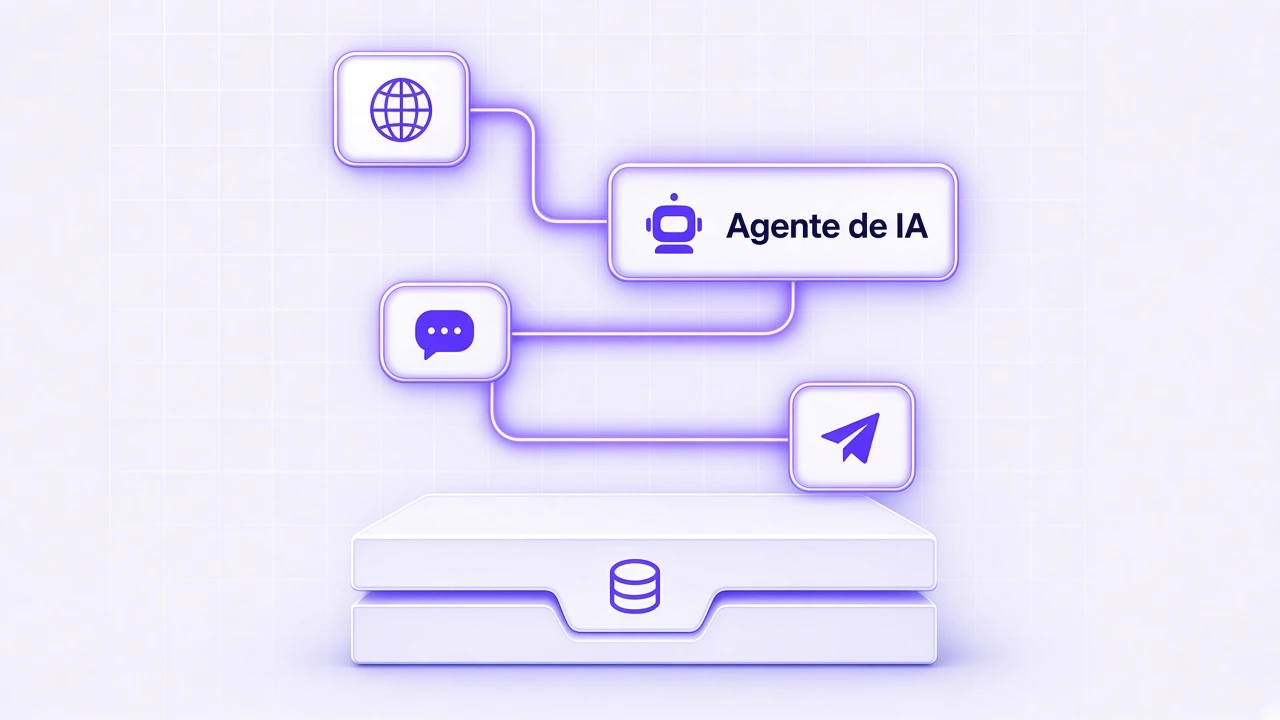
How to install n8n on your Ubuntu VPS
Open SSH, install Docker, paste the compose file, open port 5678. n8n is not preinstalled.
Samuel Akires
 Hosting
Fail2ban: how to protect a VPS against brute force
Fail2ban blocks an IP that fails the SSH password too many times. Install, paste one file, turn it on. It is not Anti-DDoS.
Samuel Akires