


How to change loot on a DayZ server (types.xml)
Loot lives in types.xml of the active mission, not in serverDZ.cfg. Backup, nominal (how much the map tries to keep) and min (floor). Do not delete storage_1.
 Samuel AkiresCEO RoxyCloud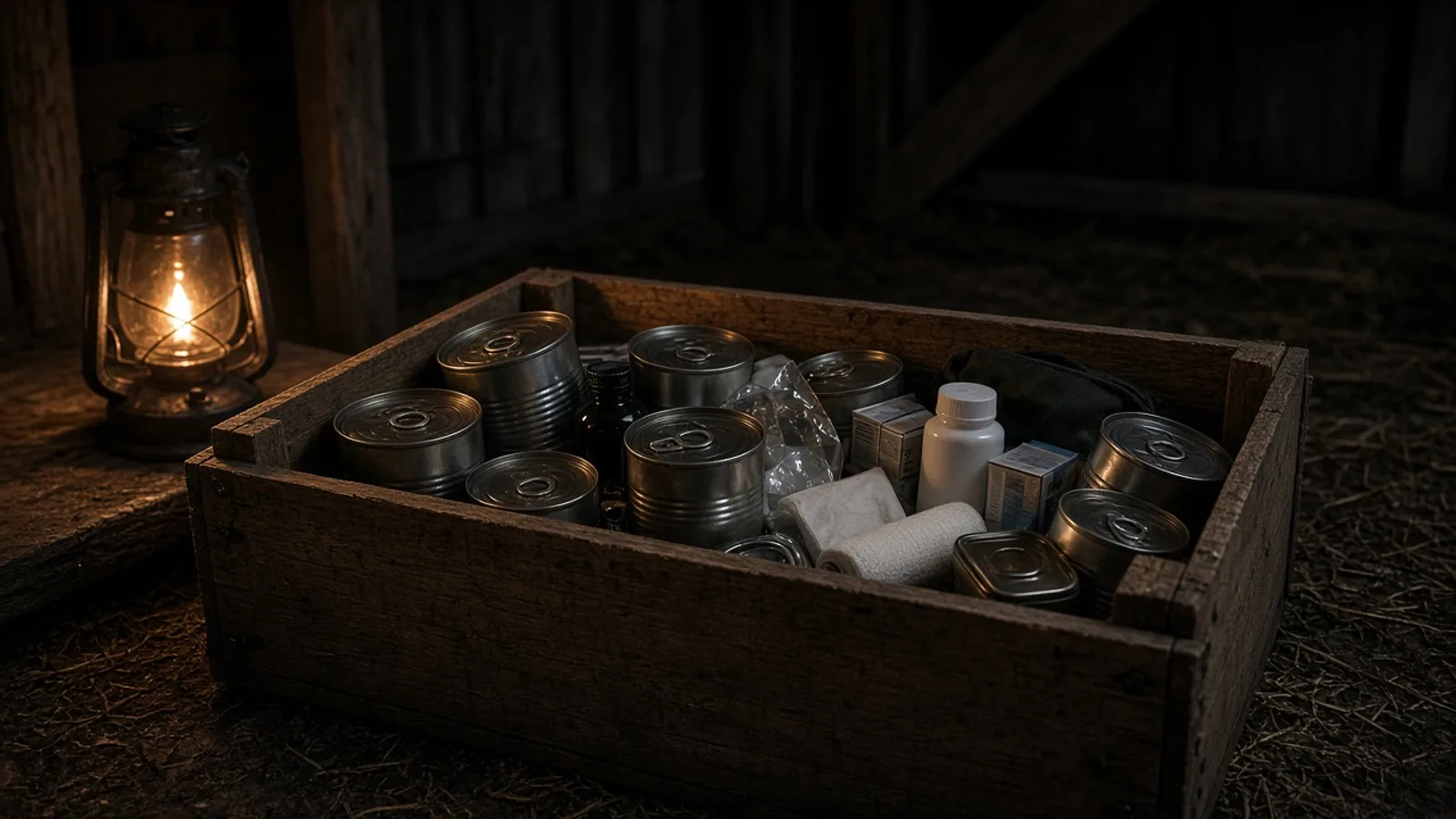
You want more (or less) AKM, food or ammo on the ground. In DayZ that is not a slider in the cfg: it is the types.xml file of the mission that is running. In the end, after restart, that item's spawn changes on the map.
Chernarus uses one folder; Livonia and Sakhal use others. If you edited the wrong XML, loot “does not change” and the server may not even open.
Where loot lives
On Chernarus (default in the install guide): C:\DayZServer\mpmissions\dayzOffline.chernarusplus\db\types.xml. The template in serverDZ.cfg points to which mission is active. Confirm the map before editing.
Step by step
- Stop DayZServer_x64.exe.
- Check the template in serverDZ.cfg (which mission folder).
- Open that mission's types.xml. Make the .bak.
- Find the item block (example: AKM).
- Adjust nominal (how much the map tries to keep) and min (floor).
- Save. Start the server.
<type name="AKM">
    <nominal>10</nominal>
    <min>5</min>
</type>
Livonia (enoch) and Sakhal have types.xml in that mission's folder. An economy mod (Expansion, etc.) may swap the file: then you edit what the mod points to, not vanilla.
How to verify
- Server starts without an XML error in the log.
- Join the map and walk a known loot spot for the item. On a new server or after a partial wipe, respawn takes time; high nominal speeds presence but does not fill the map instantly.
If it failed
- Server will not open → invalid XML; restore the .bak.
- Edited Chernarus but the template is enoch → wrong folder.
- Deleted storage_1 → lost persistence; that is not the way to test loot.
Frequently asked questions
Straight answers before you order
You may also like
 Guides
How to change the DayZ server map
The map is the template in the Missions block of serverDZ.cfg. Chernarus, Livonia or Sakhal. DLC on the client. One map's save does not move to another.
Samuel Akires
 Guides
How to change loot on a DayZ server (types.xml)
Loot lives in types.xml of the active mission, not in serverDZ.cfg. Backup, nominal (how much the map tries to keep) and min (floor). Do not delete storage_1.
Samuel Akires
 Guides
How to set a whitelist on a DayZ server
enableWhitelist = 1 and whitelist.txt with the 44-character ID from the .ADM log. Steam64 does not work. Put your own ID first.
Samuel Akires
 Guides
How to create a DayZ dedicated server on Windows
From scratch on Windows: RDP, SteamCMD (223350), what appears in C:\DayZServer, serverDZ.cfg, firewall and the start command. Then links for password, admin, map and mods.
Samuel Akires